- Details
- Security Access

Access Manager Pro - Joomla Extension
- root
- 03.Jun.2025
- Details
- Joomla Miscellaneous

StageIt Enterprise - Joomla Extension
- root
- 03.Jun.2025
- Details
- Joomla Miscellaneous

RPC - Responsive Portfolio - Joomla Extension
- root
- 03.Jun.2025
- Details
- Joomla Miscellaneous
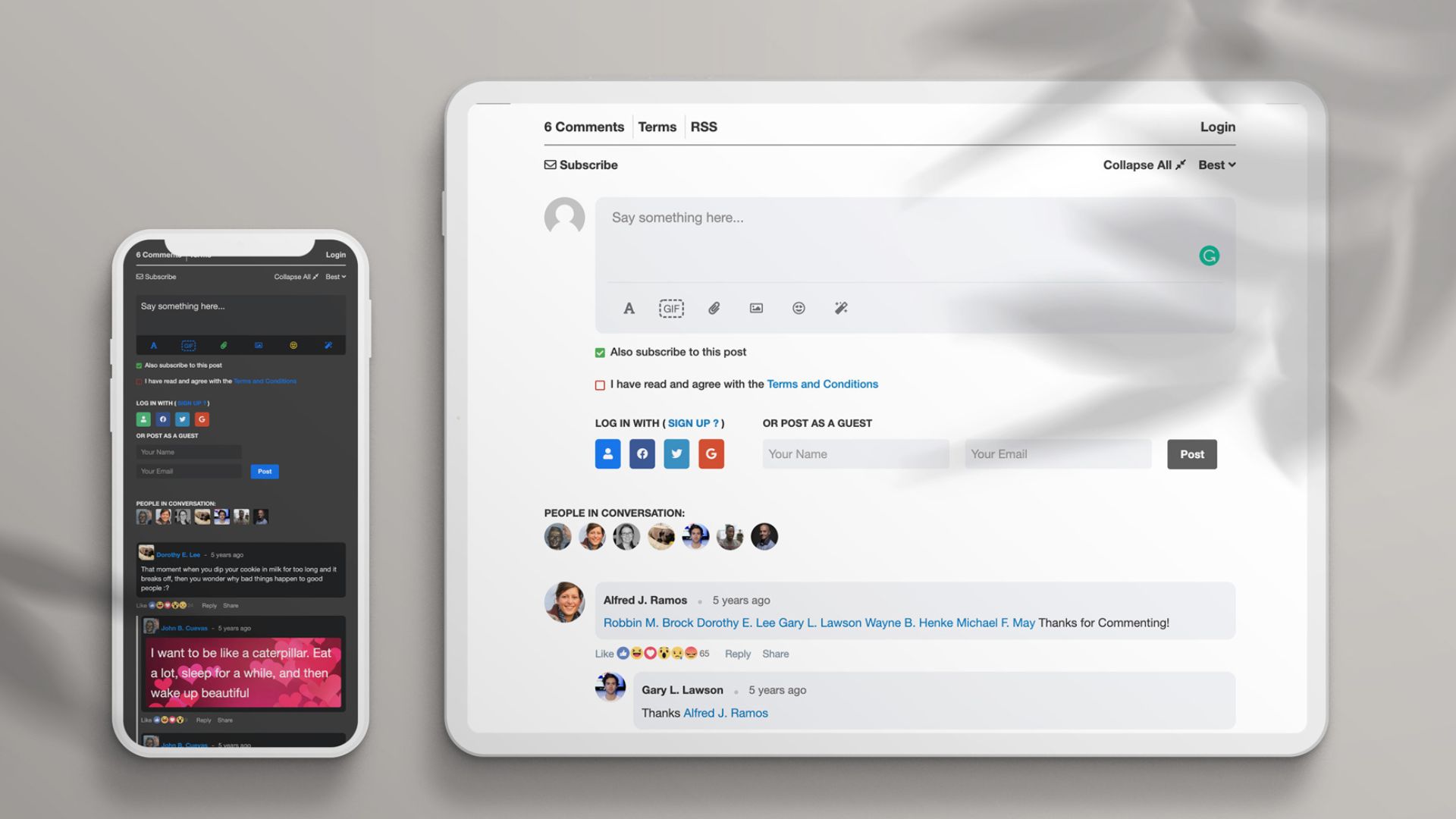
JLex Comment Joomla Comment Extension v3.3.8
- root
- 03.Jun.2025
- Details
- Joomla Miscellaneous

Hot Joomla Carousel Pro - Joomla Extension
- root
- 03.Jun.2025
- Details
- Joomla Miscellaneous
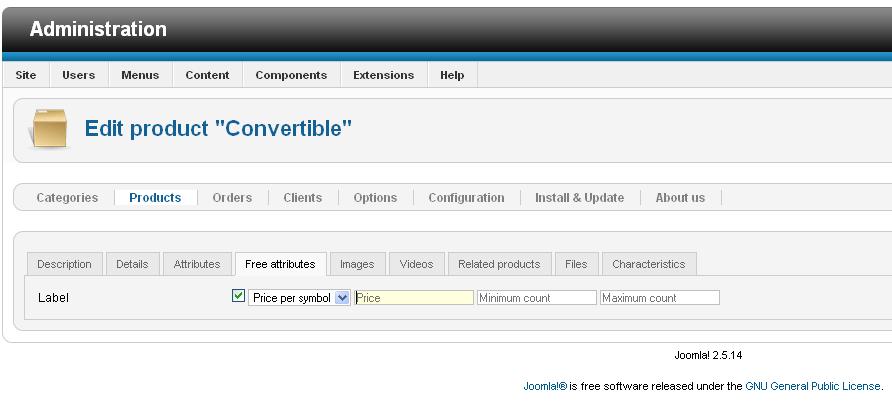
Free Attributes Text Price - Joomla Extension
- root
- 03.Jun.2025
- Details
- Joomla Miscellaneous
4SEF - Joomla Extension version 2.6.0.621
- root
- 03.Jun.2025
- Details
- eCommerce Transaction
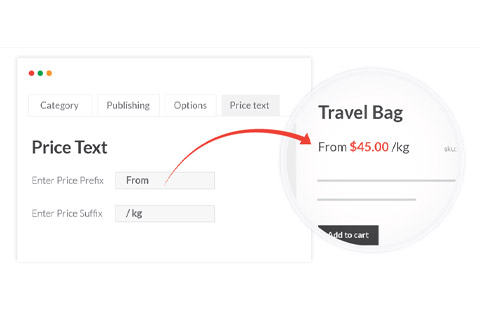
J2Store App PriceTexts - Joomla Extension
- root
- 03.Jun.2025
- Details
- eCommerce Transaction

J2Store App Incremental Price - Joomla Extension
- root
- 03.Jun.2025
- Details
- SEO Optimization

Tag Meta - Joomla Extension
- root
- 03.Jun.2025
- Details
- Security Access
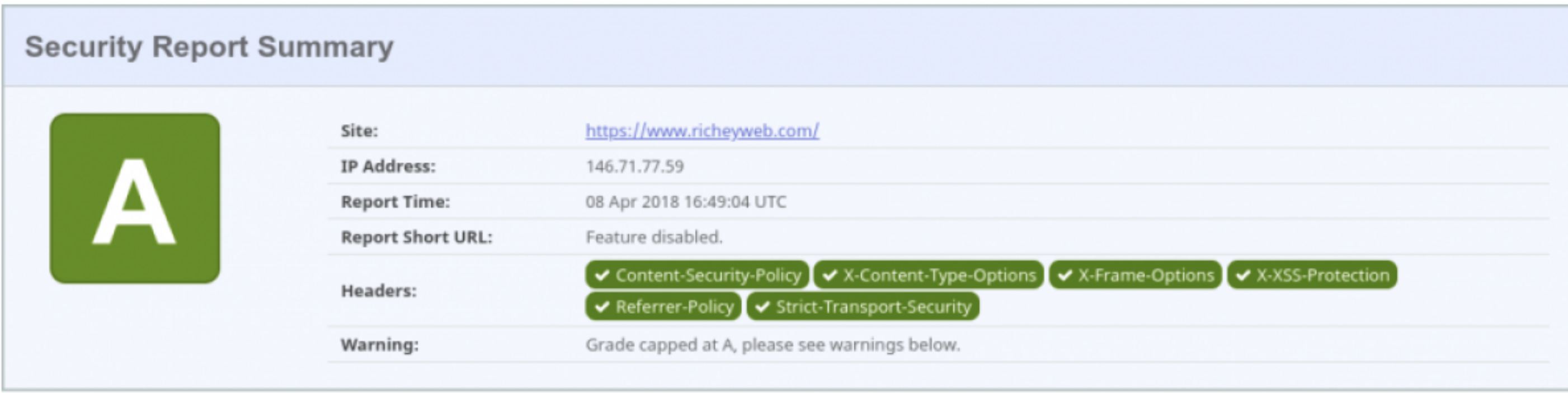
System Content Security Policy - Joomla Extension
- root
- 03.Jun.2025
- Details
- WordPress Themes

Bazar - Multipurpose WooCommerce WordPress Theme
- root
- 03.Jun.2025
- Details
- WordPress Themes

WordPress Themes - All Products
- root
- 06.Jun.2025
- Details
- WordPress Plugins

WordPress Plugins - All Products
- root
- 06.Jun.2025
- Details
- Joomla 3.x Templates

Joomla 3.x Templates - All Products
- root
- 04.Jun.2025
- Details
- Joomla 3.x, 4.x Templates
Joomla 3.x, 4.x Templates - All Products
- root
- 04.Jun.2025
F.A.Q. Chatrooms
Chatroom FAQ
💬 Welcome to the Chatroom FAQ!
Below, you’ll find answers to common questions about using our chatroom feature.
📋 1. General Information
❓ What is the chatroom feature?
The chatroom provides a real-time communication platform where users can engage with other community members. It serves as a space for collaboration, knowledge sharing, and support.
❓ Do I need to register to use the chatroom?
No, its not required to access the chatroom, but registration ensures a secure and engaging environment for all participants.
📥 2. Accessing the Chatroom
❓ How do I join the chatroom?
Log in to your account and navigate to the "Chatroom" tab in the main menu. From there, you can join an existing room or create a new one.
❓ Can I access the chatroom on mobile devices?
Yes, the chatroom is fully optimized for mobile access and can be used on any device with an internet connection.
❓ Are there chatrooms dedicated to specific topics?
Yes, we offer topic-specific chatrooms to facilitate relevant discussions. You can join an existing room based on your interests or create a new one as needed.
💬 3. Using the Chatroom
❓ How do I send a message?
Simply type your message in the text box at the bottom of the chat interface and press Enter or click the Send button.
❓ Can I share files or links in the chatroom?
Yes, file and link sharing is supported, provided that all shared content complies with our community guidelines.
❓ How do I tag another user in the chatroom?
To mention another user, click on their username and type your message. They will receive a notification.
🛡️ 4. Moderation & Community Guidelines
❓ Are there rules for using the chatroom?
Yes, all users must follow our community guidelines, which include respecting others, avoiding spam, and refraining from offensive language or behavior. Violations may result in warnings or account suspension.
❓ Is the chatroom moderated?
Yes, our moderation team actively monitors the chatroom to ensure a safe and respectful environment. Users can also report inappropriate behavior.
❓ How do I report a user?
Click on the user’s profile within the chatroom and select Report. Provide a brief description of the issue, and our team will review the report.
🛠️ 5. Troubleshooting & Support
❓ I’m unable to join the chatroom. What should I do?
Ensure that you are logged in and have a stable internet connection. If the issue persists, contact our support team for further assistance.
❓ Why isn’t my message appearing in the chatroom?
Messages may be flagged for review if they contain prohibited content. Review our community guidelines and consider rephrasing your message.
❓ How do I clear my chat history?
You can clear your personal chat view by selecting Clear Chat in your settings. However, this does not delete messages for other users in the chatroom.
📞 6. Contact Us
📩 Need Further Assistance?
If your question isn’t answered here, feel free to contact us:
- Contact Page
- Live Chat Support: Available during business hours directly on our platform.
F.A.Q.View all
Available Rewards
Earn Money by Sharing Your Files
Exclusive Freemium Picks
F.A.Q. | Editor Reviews
F.A.Q. | Rewards
Joomla 5 TemplatesView all
-
- Details
- Joomla 5.x Templates

Joomla 5.x Templates - All Products
- root
- 04.Jun.2025
-
- Details
- Joomla 5.x Templates

St College - Joomla 5 Template For College Website
- root
- 03.Jun.2025
-
- Details
- Joomla 5.x Templates

Themexpert Eatery - Joomla 5 Restaurant Template
- root
- 03.Jun.2025
JoomlaView all
- Details
- Joomla Miscellaneous
2 Click Google Maps - Joomla Extension (Version 5.2.0)
- root
- 03.Jun.2025
- Details
- Joomla Miscellaneous
2CGM 2 Click Google Maps - Joomla Extension
- root
- 03.Jun.2025
- Details
- Joomla Miscellaneous

2CI 2 Click Iframes - Joomla Extension
- root
- 03.Jun.2025
- Details
- Soc.Media Integration

2CSB 2 Click Social Buttons - Joomla Extension
- root
- 03.Jun.2025
- Details
- Joomla Miscellaneous

4AI - Joomla Extension version 4.4.1.514
- root
- 03.Jun.2025
WordPress ThemesView all
-
- Details
- WordPress Themes

Bazar - Multipurpose WooCommerce WordPress Theme
- root
- 03.Jun.2025
-
- Details
- WordPress Themes

Betheme - Responsive Multipurpose WordPress & WooCommerce Theme
- root
- 03.Jun.2025
-
- Details
- WordPress Themes

Blue Diamond - Responsive Corporate WordPress Theme
- root
- 03.Jun.2025
Joomla 4.x, 5.x TemplatesView all
-
- Details
- Joomla 4.x, 5.x Templates

Asibu - Corporate & Business Joomla 5 Template
- root
- 03.Jun.2025
-
- Details
- Joomla 4.x, 5.x Templates

Hot Blankie - Clean Joomla Template
- root
- 03.Jun.2025
-
- Details
- Joomla 4.x, 5.x Templates

Hot Cars - Cars Joomla Template
- root
- 03.Jun.2025
Joomla MiscellaneousView all
-
- Details
- Joomla Miscellaneous
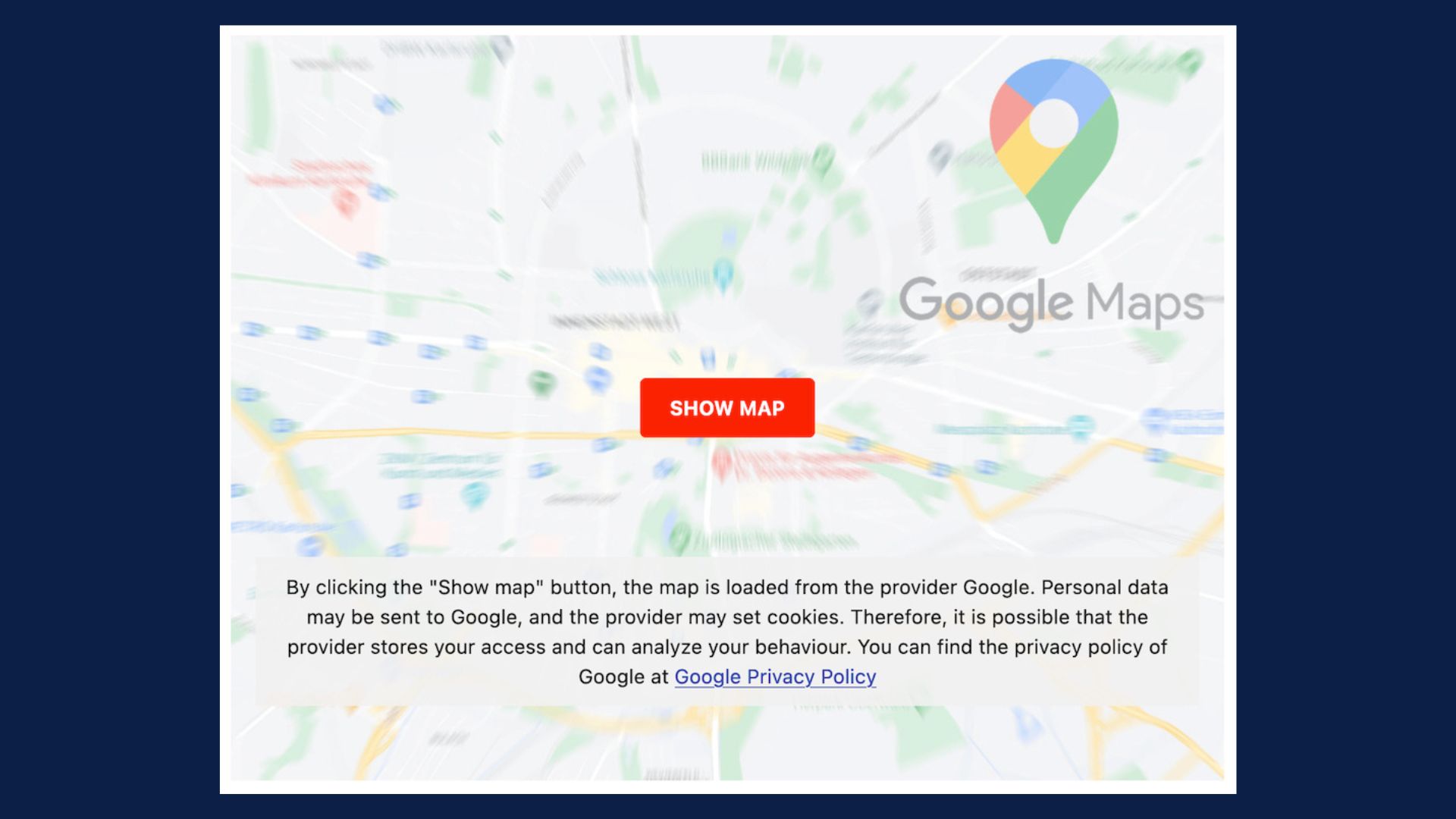
2 Click Google Maps - Joomla Extension (Version 5.2.0)
- root
- 03.Jun.2025
-
- Details
- Joomla Miscellaneous
2CGM 2 Click Google Maps - Joomla Extension
- root
- 03.Jun.2025
-
- Details
- Joomla Miscellaneous

2CI 2 Click Iframes - Joomla Extension
- root
- 03.Jun.2025
WordPress PluginsView all
-
- Details
- WordPress Plugins
-
- Details
- WordPress Plugins
-
- Details
- WordPress Plugins


WordPress ThemesView all
-
- Details
- WordPress Themes
Bazar - Multipurpose WooCommerce WordPress Theme
- root
- 03.Jun.2025
-
- Details
- WordPress Themes
Betheme - Responsive Multipurpose WordPress & WooCommerce Theme
- root
- 03.Jun.2025
-
- Details
- WordPress Themes
Blue Diamond - Responsive Corporate WordPress Theme
- root
- 03.Jun.2025
eCommerce & TransactionsView all
-
- Details
- eCommerce Transaction

Advanced Virtuemart Invoices - Joomla Extension (Version 4.1.4)
- root
- 03.Jun.2025
-
- Details
- eCommerce Transaction

Aimy Geo Tax for J2Store - Joomla Extension
- root
- 03.Jun.2025
-
- Details
- eCommerce Transaction

Attach PDF Invoice for HikaShop - Joomla Extension
- root
- 03.Jun.2025